

























BLOKK Troubleshooting
If BLOKK will not switch on, it is nearly always one of two things: the VPN permission was not allowed, or another app is using your phone's one VPN connection. Both take under a minute to fix.
Why BLOKK Asks For A VPN Connection
The first time you open BLOKK, your phone asks whether BLOKK may set up a VPN connection. Choose Allow. BLOKK needs this to work.
BLOKK uses that connection to check where each app and website is trying to send data, and to stop the trackers and scam sites. The checking happens on your phone.
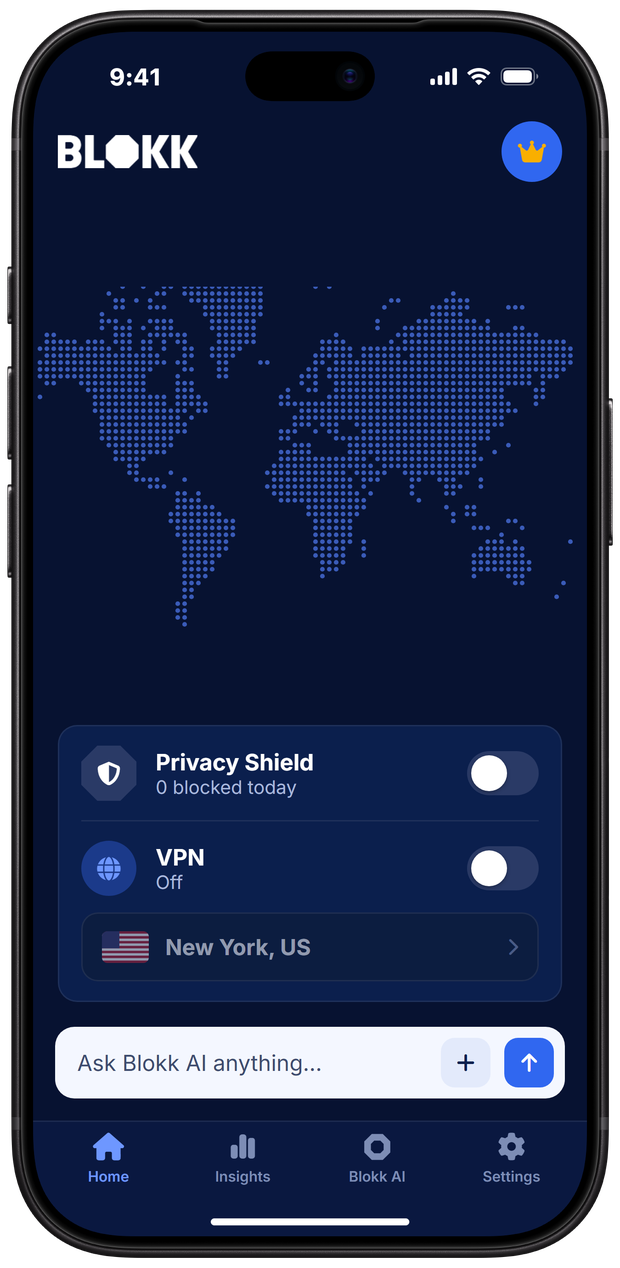
- The free Privacy Shield does not change or hide your IP address.
- If you do not allow the connection, the Privacy Shield cannot be switched on.
- Changed your mind later? Open BLOKK and turn the Privacy Shield on. Your phone will ask again.
BLOKK Is Allowed But Still Will Not Connect
An Android phone can run only one VPN connection at a time. If another app is using it, such as a VPN app or another blocker, BLOKK cannot. Check like this:
- Open Settings on your phone.
- Search Settings for "VPN" and open it.
- You will see each app that can use the VPN connection, and which one is connected.
- Disconnect or remove every app in that list except BLOKK.
- Go back to BLOKK and turn the Privacy Shield on.
If "Always-on VPN" is switched on for another app, switch it off there first.
More Fixes
An app or website has stopped working. Is it BLOKK?
It can be. A few apps and sites will not load if their trackers are blocked. Turn the Privacy Shield off for a moment, do what you need, and turn it back on. If it happens often with one app, tell us which one.
BLOKK keeps switching itself off.
Battery saving settings can close apps that run in the background. In your phone's Settings, find BLOKK under Apps and set its battery use to unrestricted.
I use the VPN on MAX. Do I still need the Privacy Shield on?
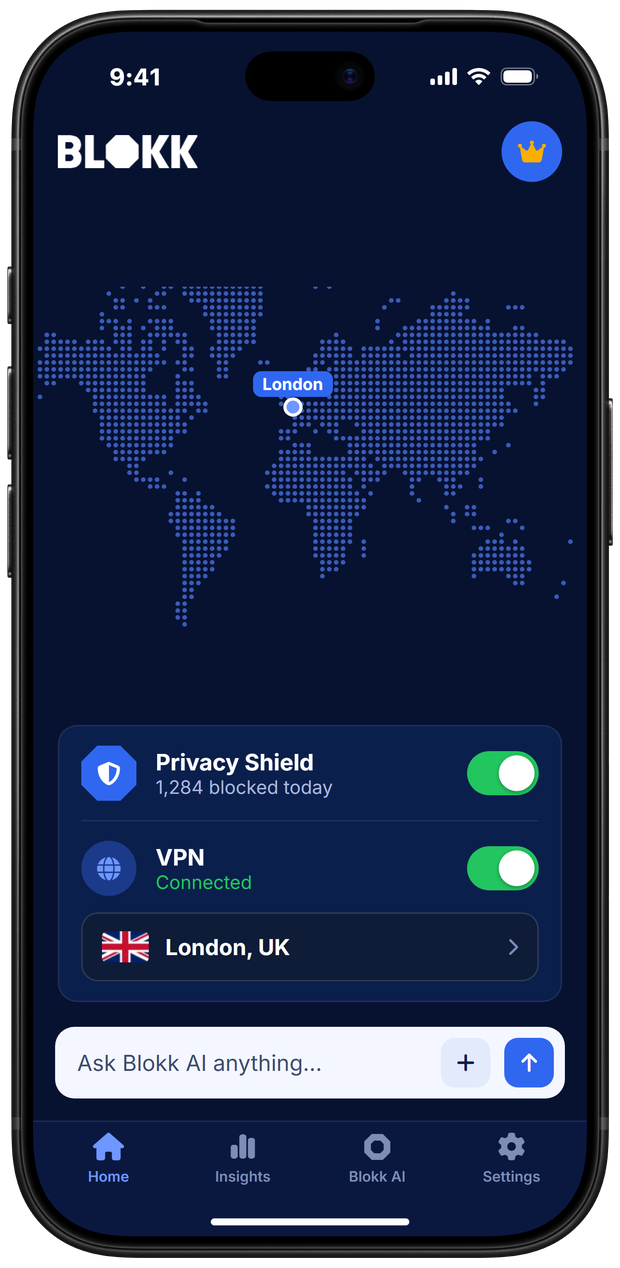
Yes. The VPN runs through the Privacy Shield, so the Shield has to be on for the VPN to work. The Shield keeps blocking trackers and scam sites while the VPN is on.
It still does not work.
Email [email protected] and tell us your phone, what you tried and what you saw. We will help.
Get BLOKK On Your Phone
Free on Google Play and the App Store. Scan the code with your phone camera, or pick your store.
 Scan To Download